Why gaming setups lose comfort over time
Gaming sessions create a unique comfort challenge because they combine long duration with frequent posture shifts. Unlike office work where you maintain a relatively stable seated position, gaming involves leaning forward during intense moments, reclining during cutscenes or downtime, and shifting laterally during competitive play. These constant position changes stress lumbar support systems in ways that static sitting does not, causing cheaper supports to shift, compress, or detach within weeks.
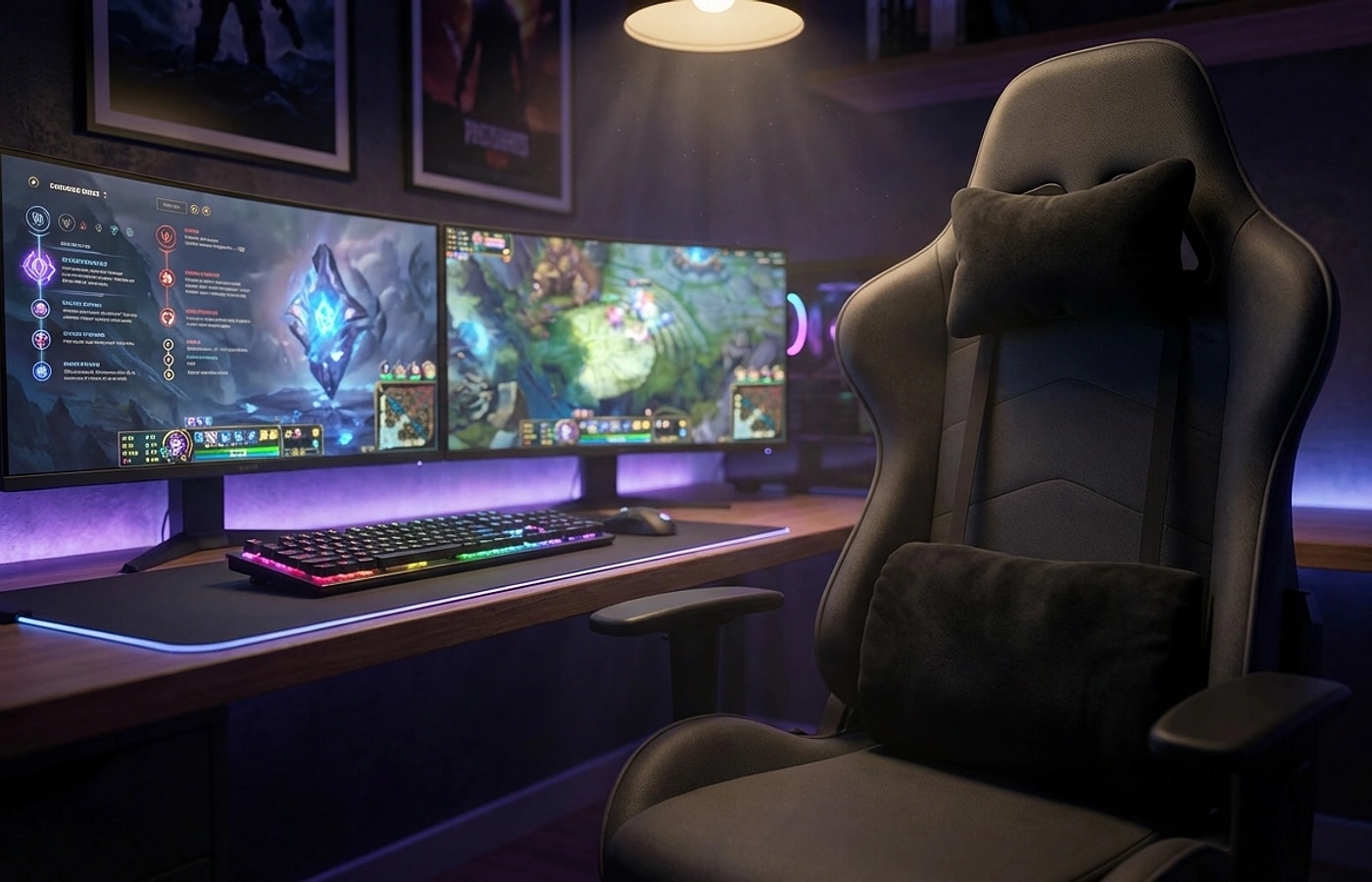
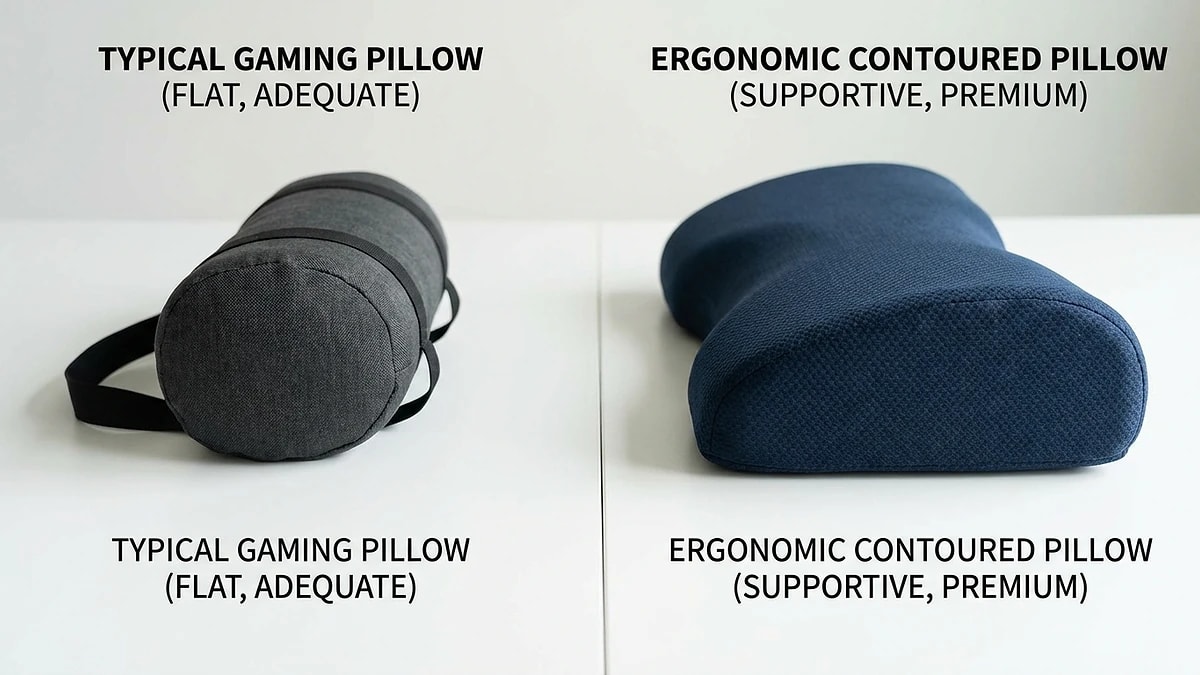
Built-in gaming chair lumbar pillows are often the first component to fail because they are typically attached with a single elastic strap and filled with low-density fiber rather than structured foam. Once the strap stretches or the fill compresses, the pillow rides up above the lumbar region and provides no meaningful support. Upgrading to a contoured memory foam support with a dual-strap attachment system solves both the positioning and durability problems.
- Gaming involves more posture shifts than office work, stressing support systems
- Built-in pillows typically use low-density fill that compresses quickly
- Single-strap attachments lose tension after weeks of heavy use
- Contoured memory foam with dual straps addresses both common failure points