 Marcus Rivera
Ergonomic Office Chair vs Standing Desk: What Science Says
The debate between sitting and standing at work has produced strong opinions on both sides. Standing desk advocates point to studies linking prolonged sitting with cardiovascular disease, obesity, and premature mortality. Supporters of ergonomic sitting counter that standing all day brings its own set of problems, from varicose veins to joint fatigue.
So what does the research actually say? The answer, as with most things in ergonomics, is more nuanced than either camp suggests. This guide examines the evidence for both approaches and presents the strategy that science most consistently supports.
The Case for Ergonomic Sitting
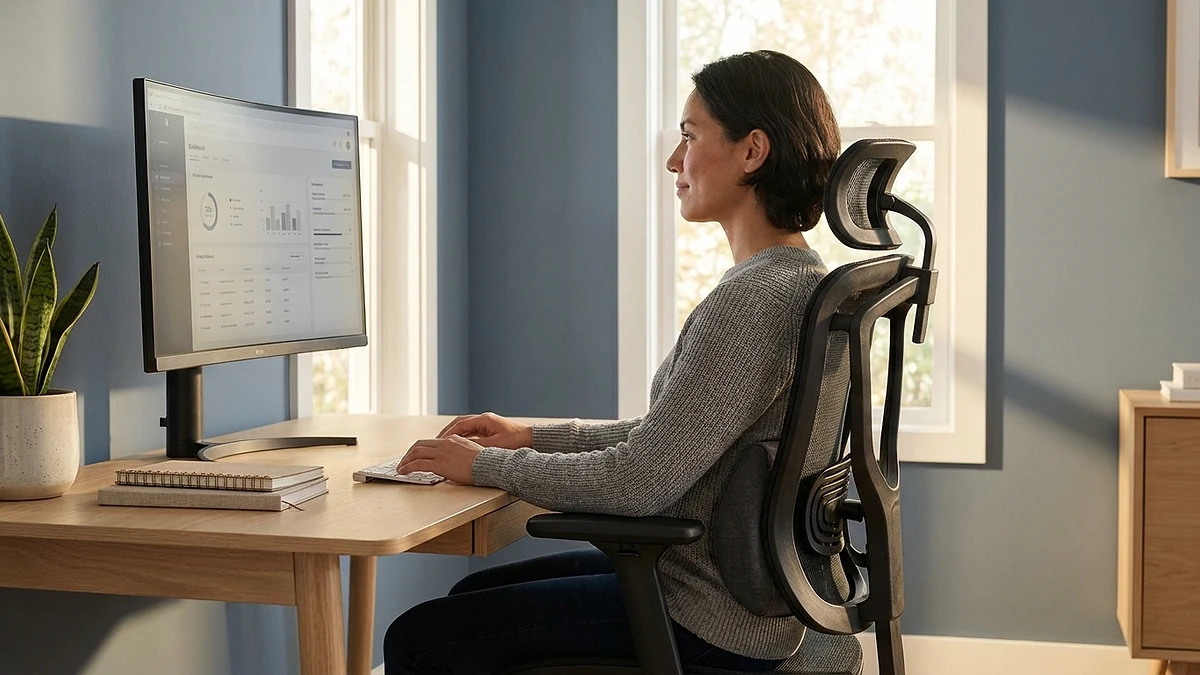
Sitting gets a bad reputation, but the scientific literature draws a clear distinction between sitting poorly on an inadequate chair and sitting well on an ergonomic one. The problems attributed to sitting are largely problems of immobility and poor posture, not the seated position itself.
What Research Shows About Proper Sitting
A 2019 study published in the British Journal of Sports Medicine found that the health risks of sitting were significantly attenuated when participants engaged in regular physical activity and used supportive seating. The study concluded that "the association between sitting time and mortality is not significant among the most physically active individuals."
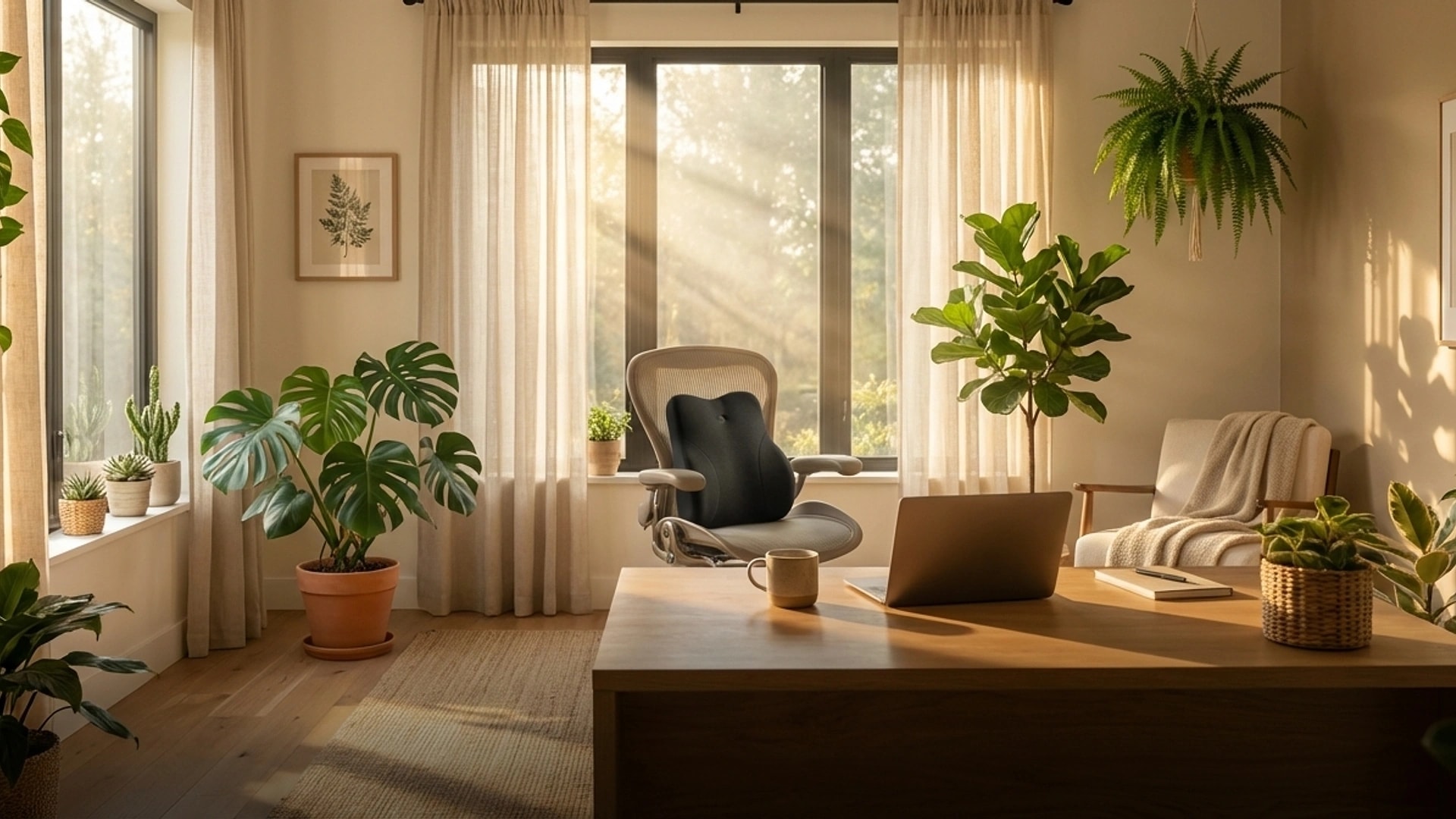
When your chair provides adjustable lumbar support, proper seat depth, and appropriate armrest height, your spine maintains its natural curves. Intradiscal pressure remains within acceptable ranges, and your muscles work in a balanced, sustainable way. The LumaSpine Pro Ergonomic Office Chair is designed with exactly these principles, offering adjustable lumbar depth, seat tilt, and 4D armrests.
Benefits of Ergonomic Sitting
- Lower body stability: Sitting provides a stable base for precision tasks like typing, drawing, and detailed screen work. Your hands are steadier and your body uses less energy to maintain position.
- Reduced lower extremity fatigue: Your legs, feet, and circulatory system do not bear your full body weight, reducing fatigue during long work sessions.
- Better for existing conditions: For people with plantar fasciitis, varicose veins, hip arthritis, or certain knee conditions, standing for extended periods can aggravate symptoms.
- Cognitive focus: A 2018 study in Ergonomics found that while standing desks improved some measures of engagement, seated participants performed better on tasks requiring sustained concentration and fine motor control.
The Key Requirement
Ergonomic sitting only works if the setup is actually ergonomic. A standard kitchen chair or a budget office chair without lumbar support negates most of these benefits. The chair must support the lumbar curve, the seat must allow your feet to rest flat, and the armrests must prevent shoulder hiking. Adding a lumbar support pillow and ergonomic seat cushion can transform a mediocre chair into a supportive one. For a complete guide, see how to choose an ergonomic chair.
The Case for Standing Desks
Standing desks surged in popularity following a wave of studies in the 2010s that highlighted the health risks of prolonged sitting. The evidence supporting standing is real, but it comes with important caveats.
What Research Shows About Standing
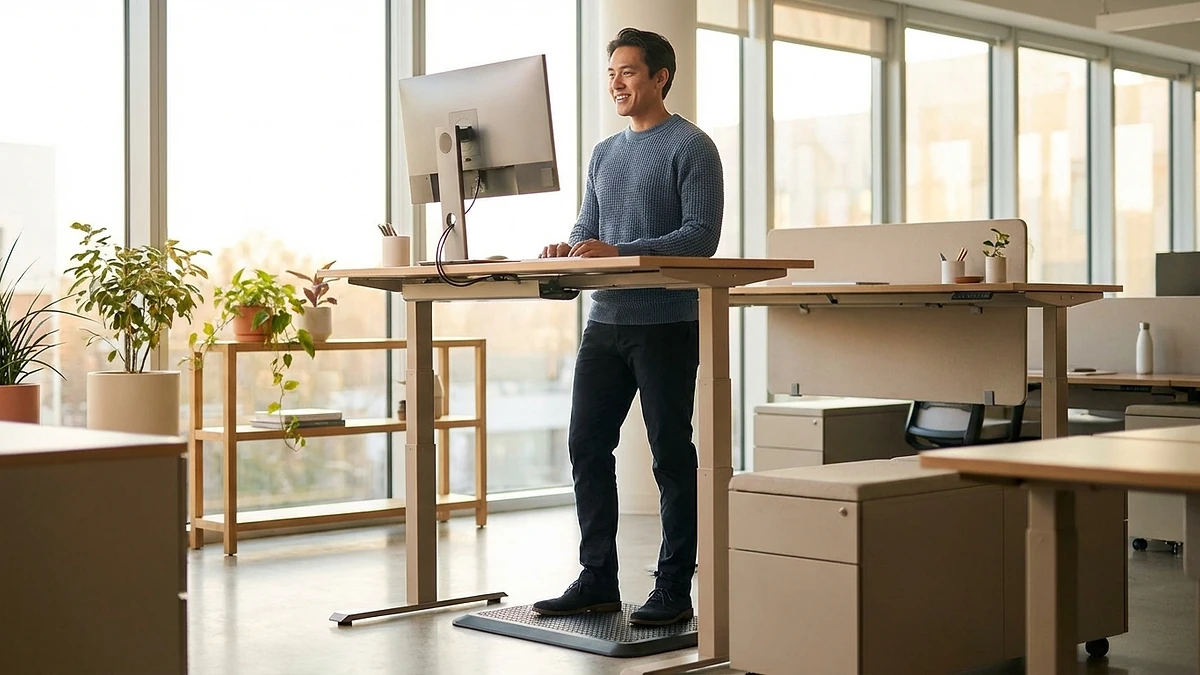
A 2016 CDC-funded study of call center employees found that workers using sit-stand desks reported 75% less bodily discomfort after the first month compared to seated controls. A separate 2015 study in Preventive Medicine found that standing desk users took 7% fewer sick days and reported higher energy levels throughout the afternoon.
The physiological benefits are measurable. Standing burns approximately 0.15 calories per minute more than sitting, which translates to an additional 50-60 calories over a typical workday. While modest, this adds up over months and years. Standing also increases muscle engagement in the legs and core, counteracting some of the muscular deactivation that prolonged sitting causes.
Benefits of Standing
- Increased caloric expenditure: Small but cumulative over time, particularly when combined with shifting weight and light movement.
- Improved posture awareness: Standing naturally encourages upright posture and discourages the slouching common in seated positions.
- Reduced lower back pressure: Standing reduces intradiscal pressure compared to seated positions, particularly for people with disc herniations or sciatica.
- Higher perceived energy: Multiple studies report that standing desk users feel more energized and less fatigued in the afternoon, though the mechanism is not entirely clear.
The Downsides of Each
Both approaches have drawbacks that advocates tend to understate.
Sitting Risks
The research on prolonged, uninterrupted sitting is clear: it is associated with increased risk of cardiovascular disease, type 2 diabetes, deep vein thrombosis, and certain cancers. A 2012 meta-analysis in Diabetologia found that individuals who sat the most had a 112% increase in risk of type 2 diabetes compared to those who sat the least. Importantly, these risks are associated with prolonged, unbroken sitting, not simply being in a seated position.
Sitting also promotes hip flexor tightening, gluteal weakening, and postural decline when done without adequate breaks and support.
Standing Risks
Standing is not the inverse solution to sitting problems. A 2017 study in the American Journal of Epidemiology found that workers who stood for most of their shift had a twofold risk of heart disease compared to those who predominantly sat. Prolonged standing is also associated with:
- Lower extremity muscle fatigue and discomfort, particularly in the calves and feet
- Increased risk of varicose veins from sustained venous pressure in the legs
- Joint compression in the knees, hips, and lumbar spine from constant weight-bearing
- Decreased performance on fine motor and precision cognitive tasks
- Foot pain, especially without an anti-fatigue mat
The 2017 study's authors explicitly cautioned against replacing sitting with standing as a health intervention, noting that "prolonged standing should not be considered a healthy alternative to prolonged sitting."
Head-to-Head: What Science Actually Says
When you compare the two approaches directly, the evidence does not clearly favor either one in isolation. Here is how they stack up across key metrics:
- Lower back pain: Ergonomic sitting with lumbar support slightly outperforms standing for chronic lower back conditions. Standing is better for acute disc-related pain where sitting increases nerve compression.
- Cardiovascular health: Light movement (walking) is far superior to both standing and sitting. Standing offers a marginal improvement over sitting but does not approach the benefits of actual movement.
- Productivity: Studies are mixed. Sitting tends to win on concentration-heavy tasks. Standing may improve creative and collaborative tasks.
- Energy levels: Standing desk users consistently report feeling more energized, particularly in the afternoon.
- Musculoskeletal comfort: Both prolonged sitting and prolonged standing cause discomfort. The specific location differs: sitting causes more lower back and gluteal discomfort; standing causes more leg, foot, and knee discomfort.
- Caloric expenditure: Standing burns slightly more calories, but the difference is too small to be meaningful for weight management without other dietary and activity changes.
The Best Approach: Sit-Stand Alternation
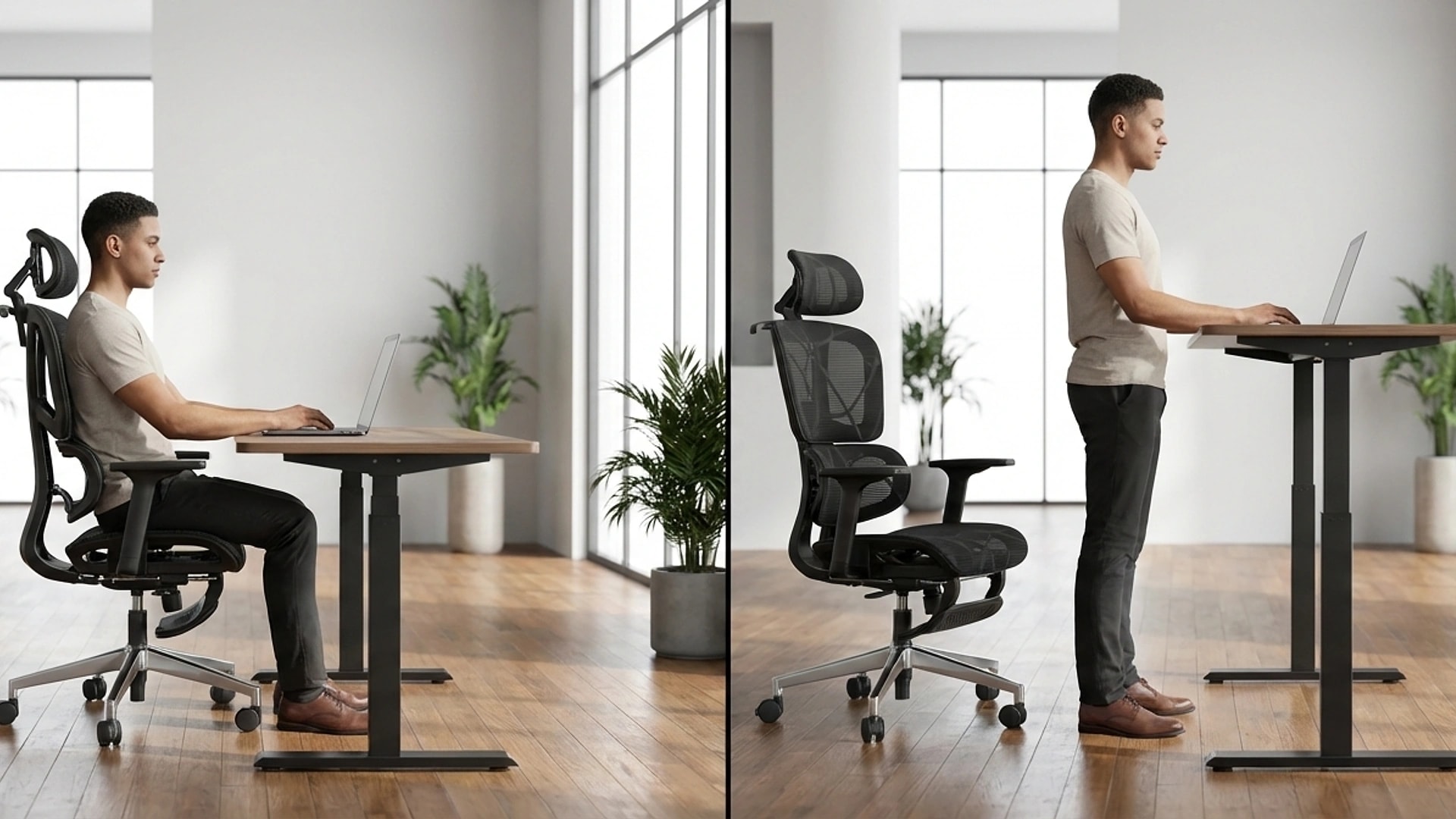
The scientific consensus strongly favors a hybrid approach. Multiple systematic reviews, including a 2018 Cochrane review, conclude that alternating between sitting and standing throughout the workday produces better outcomes than committing to either position exclusively.
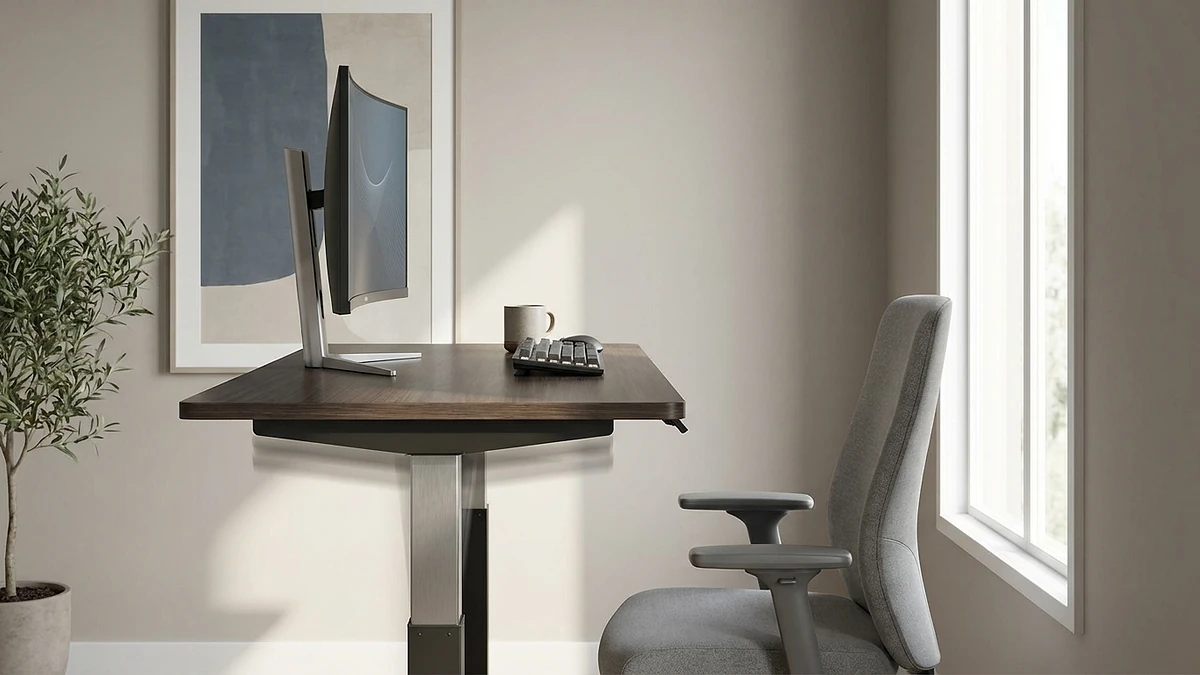
A 2021 study in Applied Ergonomics tested various sit-stand ratios and found that a 2:1 or 3:1 ratio (sitting to standing) produced the best combination of comfort, productivity, and physiological markers. In practical terms, this means sitting for 40-45 minutes and standing for 15-20 minutes each hour.
Why Alternation Works
Changing positions prevents the sustained loading patterns that cause problems in both sitting and standing. When you sit, your discs experience sustained compression. When you switch to standing, that compression is relieved while your muscles re-engage. When you sit again, your legs recover from weight-bearing while your core gets a break from sustained activation.
This cycling between positions also promotes blood flow throughout the entire body, reduces the risk of static muscle fatigue, and keeps your joints moving through different ranges. It addresses the fundamental problem with both sitting and standing: not the position itself, but the lack of variation.
Optimizing Your Sitting Setup
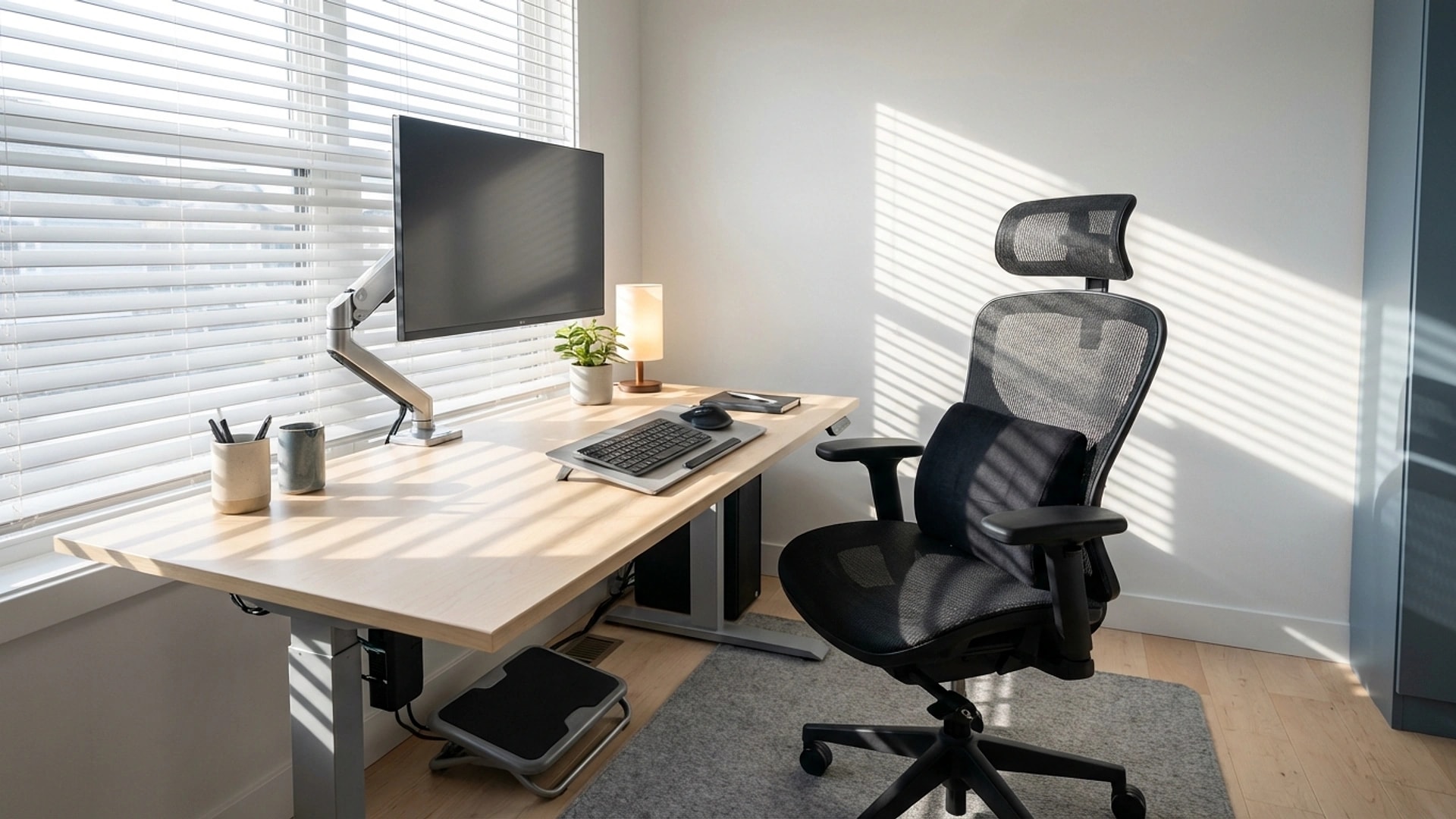
Since you will spend the majority of your work time seated even in a sit-stand configuration, your sitting setup matters enormously. The foundation is a chair that supports your natural spinal curves with adjustable components.
- Chair: Invest in a quality ergonomic chair with adjustable lumbar support, seat depth, armrests, and tilt. If budget is limited, a lumbar support pillow and ergonomic seat cushion can upgrade your existing chair significantly.
- Monitor: The top third of your screen should be at eye level, approximately an arm's length away. This applies whether you are using a single monitor, dual monitors, or a laptop with external display.
- Keyboard and mouse: Your forearms should be roughly parallel to the floor with elbows at 90-100 degrees. Wrist rests can help, but your wrists should float above them while typing, not rest on them.
- Feet: Flat on the floor or on a footrest. Your thighs should be parallel to the ground or angled slightly downward.
For a comprehensive walkthrough of every element, see our ergonomic home office setup checklist.
Optimizing Your Standing Setup
Standing poorly is worse than sitting well. When you transition to standing, these elements ensure you get the benefits without the downsides:
- Anti-fatigue mat: A cushioned mat is not optional for standing work. Hard floors cause foot pain, joint fatigue, and lower back strain within 30 minutes. A good mat encourages subtle weight-shifting movements that keep blood flowing.
- Monitor height adjustment: Your monitor needs to move up when you stand. A fixed-height monitor that is correct for sitting will be too low for standing, causing you to hunch forward. Monitor arms or adjustable desk-mounted stands solve this.
- Footrest or bar: Having a low bar or footrest to prop one foot on, alternating sides, relieves lumbar stress and reduces leg fatigue. This is the same principle behind the brass rail at a bar.
- Proper shoes: If you stand at home, avoid bare feet on hard floors. Supportive shoes or thick-soled slippers reduce foot fatigue significantly.
- Posture cues: Stand with weight evenly distributed, knees slightly soft (not locked), and shoulders relaxed. Avoid leaning on the desk, which creates asymmetric loading on your spine.
A Practical Daily Schedule
Theory is useful, but a concrete schedule makes implementation easier. Here is an evidence-based sit-stand rotation for a standard 8-hour workday:
- 8:00-8:45: Sit. Morning focus work while fresh. Start the day in your ergonomic setup with lumbar support in place.
- 8:45-9:00: Stand. Light tasks like email, Slack messages, or planning. Walk to get water before returning.
- 9:00-9:45: Sit. Deep work block. Concentration tasks benefit from seated stability.
- 9:45-10:00: Stand. Phone calls, quick reviews, or administrative tasks.
- 10:00-10:45: Sit. Continue focused work.
- 10:45-11:00: Stand and stretch. Mid-morning movement break with desk exercises.
- 11:00-12:00: Sit. Final morning work block.
- 12:00-12:30: Walk. Take lunch away from your desk. A 15-minute walk is more restorative than additional standing.
- 12:30-1:15: Stand. Post-lunch energy dip is the best time to stand. The increased muscle engagement helps counteract afternoon drowsiness.
- 1:15-2:00: Sit. Afternoon work block.
- 2:00-2:15: Stand. Quick tasks, check messages, stretch.
- 2:15-3:00: Sit. Focus work.
- 3:00-3:15: Stand. Second afternoon movement break.
- 3:15-4:00: Sit. Final work block.
- 4:00-4:15: Stand. Wrap up loose ends, plan tomorrow.
This schedule gives you approximately 5.5 hours of sitting and 2 hours of standing plus a walking break. You can adjust the ratio based on your comfort and the nature of your work. The important principle is that no single sitting or standing block exceeds 45 minutes.
The Bottom Line
The science does not support choosing between an ergonomic chair and a standing desk. It supports using both. Sitting with proper ergonomic support is effective and comfortable for focused work. Standing provides a physical change of position that reduces the risks of prolonged static loading. Alternating between the two, with walking breaks mixed in, is the strategy that consistently produces the best results for health, comfort, and productivity.
If you can only invest in one thing, start with your sitting setup. You will spend more time seated than standing, and the quality of that seated experience has the greatest impact on your daily comfort. A good chair or, at minimum, quality lumbar and seat support makes your primary work position sustainable. Then add standing intervals as your setup and schedule allow. Movement is the real answer, and any configuration that encourages you to change positions regularly is better than any single position maintained for hours.